
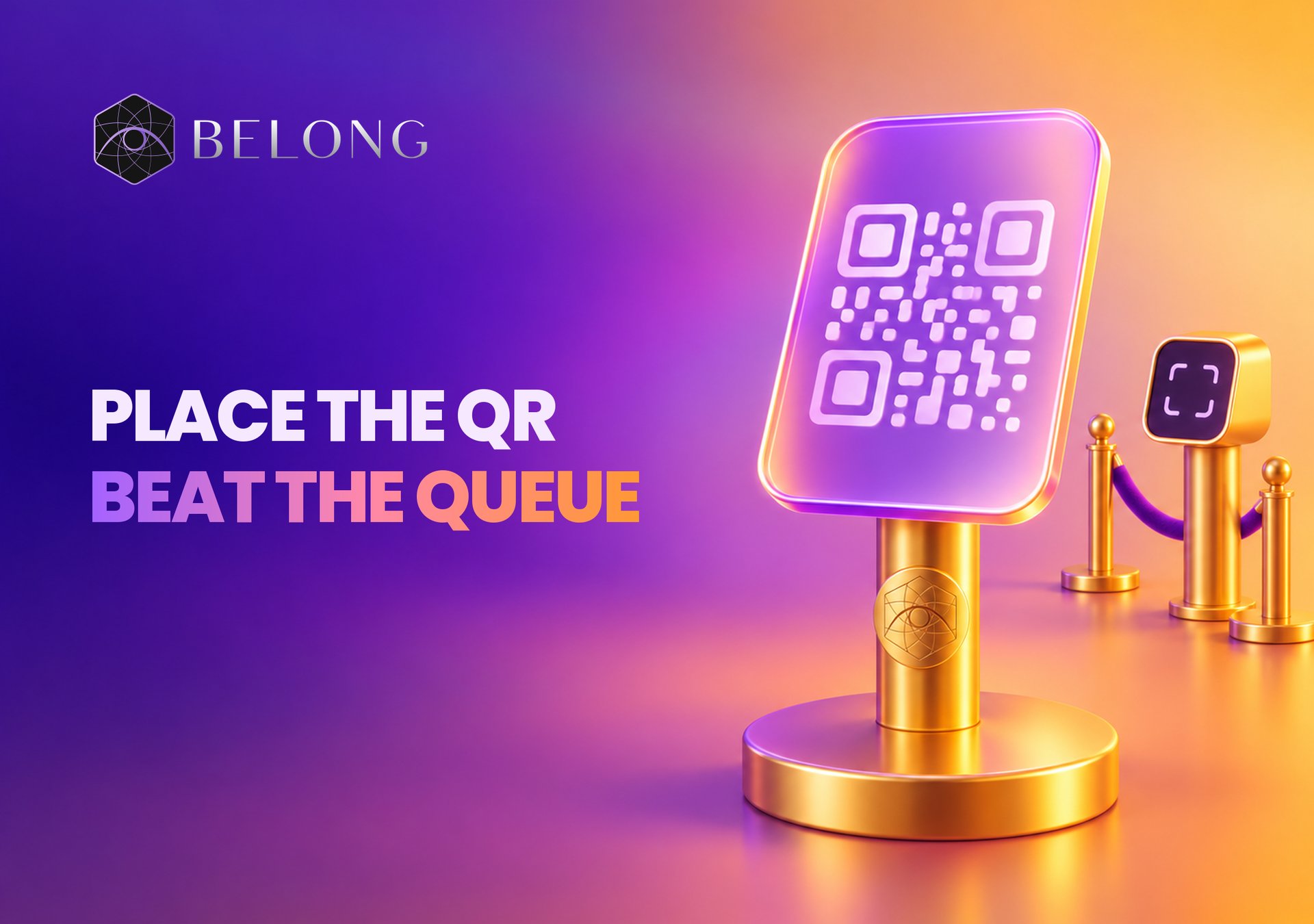

Venue QR Signage Examples for Belong CheckIn
What it does
Belong CheckIn Venue QR Signage Examples gives venue operators ready-to-use copy for displaying a check-in QR code at reception desks, entrances, table cards, and digital screens. Belong CheckIn lets customers scan that code, check in, and earn rewards, making the signage useful for nightclubs, bars, hotels, restaurants, cafes, coworking spaces, gyms, spas, wellness centres, event venues, and conference centres.
The capability pairs a short primary message with a direct action such as “Scan”, “Check in”, or “Point your camera”. The examples cover both the immediate visitor benefit and, where promoter rewards are enabled, referral earning. They also show how to adapt the message to the setting: a hotel can focus on earning during a stay, a restaurant can focus on cashback on a meal, and an event venue can focus on rewards for attending.
Customers do not need to download an app before scanning. After a customer checks in, the venue’s configured rewards determine what they can earn. If customers refer friends who also check in, they can earn a referral bounty as well. Because venues configure their own reward amounts, signage must use the reward values that apply at that venue rather than an unconfirmed amount.
Match signage to the ticket and payment route
Belong CheckIn supports regular (non-NFT) tickets as well as NFT tickets. Regular ticket payments use Stripe Connect: the buyer pays by card and receives a ticket registration and entry QR, without needing an NFT collection or crypto funding for the purchase. NFT tickets use the configured NFT checkout partner, which can also offer card payments as well as crypto where supported. Paying by card does not determine the ticket format.
The venue's direct payment-request QR is a separate flow. Use the payment methods offered in that venue's checkout; enabling Stripe for event tickets does not automatically enable Stripe for every venue payment or bracelet top-up. Read the Belong CheckIn payment routes before choosing which route to describe to guests.
How it works
- Choose where the QR code will appear. The examples support reception desks, entrances, table cards, digital screens, counters, table tents, coasters, stickers, in-room cards, and receipt or bill inserts. Match the format to the place where visitors will see and scan it.
- Select copy for the venue type. Nightclubs and bars can use messages about checking in, bringing friends, cashback, and referral bonuses. Hotels and resorts can place copy at reception or in rooms. Restaurants and cafes can use counter, table, receipt, or bill messaging. The page also provides options for coworking spaces, gyms, spas, wellness centres, event venues, and conference centres.
- Keep the primary message short. The venue messaging guidelines say to keep the primary message under eight words. Short-form options include “Scan. Check In. Earn.”, “Earn While You Stay”, “Refer and Earn”, and “No App Needed — Just Scan”.
- Add a clear call to action. Tell the visitor what to do with wording such as “Scan”, “Check in”, or “Point your camera”. The QR code then leads the customer into the check-in flow.
- Customise the reward placeholders. Replace
X%with the venue’s configured visitor spend percentage,$Xwith the configured visit bounty, andY%with the configured promoter spend percentage. Do not promise a specific dollar amount unless the venue has confirmed it. - Use referral language only when it applies. Mention referral earning when the venue has promoter rewards enabled. The supplied examples explain that customers can share a referral code and earn when referred friends check in.
- Lead with the visitor benefit. The guidelines recommend leading with cashback, earning, or getting paid rather than using crypto as the lead. They also recommend emphasising that no app download is needed and avoiding an overcomplicated message.
Who it's for and when to use it
Venue QR signage is for operators who want visitors to scan a Belong CheckIn code from a physical or digital placement. The documentation groups the copy by venue and placement, so an operator can choose language that fits both the location and the visitor’s activity.
For nightclubs and bars, the examples cover entrances, tables, and coasters with messages about checking in, earning on a visit, and bringing friends. For hotels and resorts, the examples cover reception desks and in-room cards, including rewards connected with a stay, dining, spa visits, and room service. Restaurants and cafes can use counter or table-tent copy, then reinforce it with a receipt or bill insert.
Coworking spaces and gyms can invite members to check in on each visit and can mention member referrals. Spas and wellness centres can place a simple check-in and cashback message beside the code. Event venues and conference centres can use attendance-focused copy and, when referral rewards apply, invite visitors to refer other people to future events.
The page also includes universal wording for venues that do not need a category-specific message. Its short-form collection is intended for small signage, stickers, and coasters. These compact lines are useful when the available space calls for one brief instruction beside the QR code.
At the event
Consider an event venue or conference centre displaying its Belong CheckIn QR code at the entrance and on a digital screen. The primary line can read “Check In. Get Rewarded.”, followed by a direct instruction to scan. Attendees point their cameras at the code, complete check-in, and earn the rewards configured by the venue.
If promoter rewards are enabled, the supporting copy can also tell attendees that they can refer others to future events and earn when those people check in. If promoter rewards are not enabled, the venue can keep the message focused on scanning, attendance, and the configured visitor reward. In both cases, the primary wording stays under eight words, the call to action remains clear, and the QR code carries the check-in flow.
The same approach can be adapted to other on-site moments described in the examples. A bar can use a coaster or table card, a restaurant can use a table tent, and a hotel can use a reception or in-room card. Each placement uses the same basic sequence: show the benefit, tell the visitor to scan, and use only the reward details configured for that venue.
Get started
Review the full Venue QR Signage Examples to choose copy for the venue type and signage format. The page includes primary messages, supporting lines, small-format options, and guidance for customising reward placeholders.
Before displaying the code, confirm the venue’s configured visitor reward, visit bounty, and promoter reward settings. Replace any placeholders with the applicable values, keep the primary line under eight words, and include a clear scanning or check-in instruction. Use referral wording only when promoter rewards are enabled, and do not state an unconfirmed dollar amount.
Visitors can open Belong CheckIn to explore the product. At the venue, the displayed QR code gives them the direct route to scan, check in, and earn the venue’s configured rewards.
FAQ
Does a visitor need to download an app before scanning?
No. The venue messaging guidance says to emphasise “no app download”, and the supplied copy includes “No App. No Card. Just Scan.” and “No App Needed — Just Scan”.
What reward amount should a venue print on its signage?
Use the reward amount configured by the venue. Replace the documented placeholders with the applicable visitor percentage, visit bounty, or promoter percentage, and never promise an unconfirmed dollar amount.
When should signage mention referral rewards?
Mention referral earning when the venue has promoter rewards enabled. The copy can then explain that customers may share a referral code and earn when referred friends check in.
Are all paid tickets NFTs?
No. Regular tickets can be paid by card through Stripe Connect and issue a ticket registration and entry QR. NFT tickets use the configured NFT checkout partner, which can also accept cards where enabled. The payment method and ticket format are separate choices.