
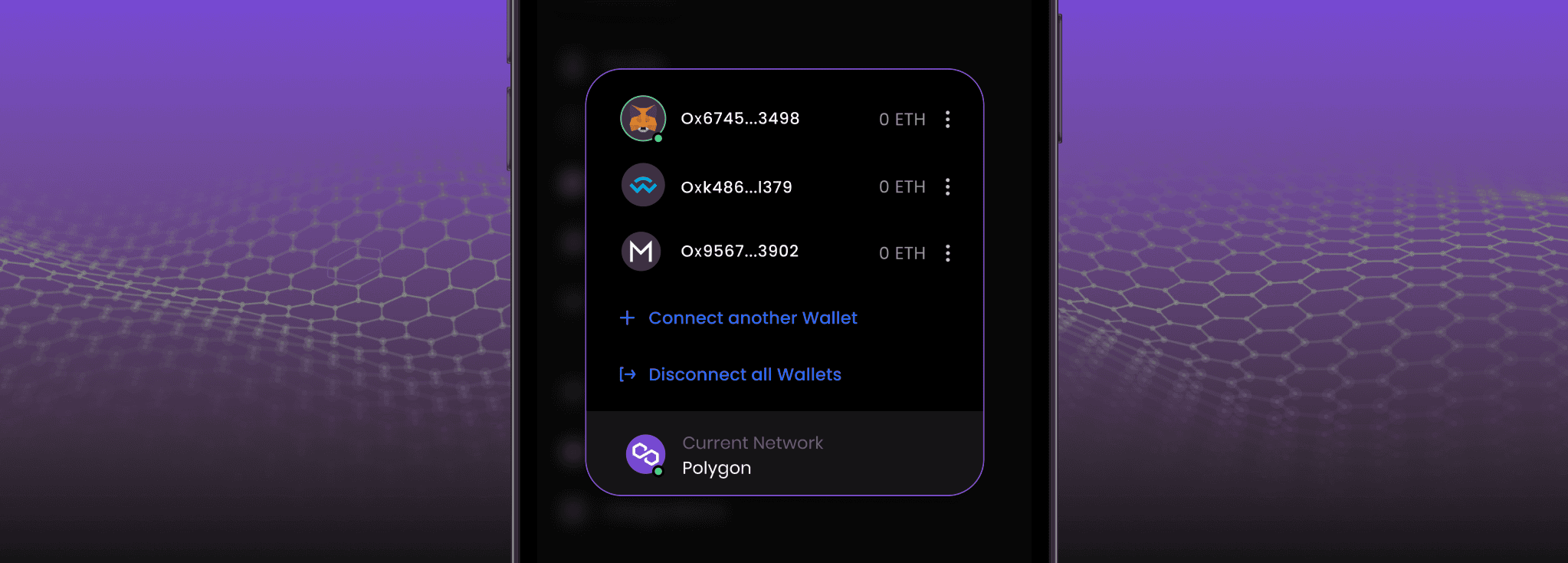

Step-by-Step Instructions for Adding a Crypto Wallet to Belong.net
Open Belong.net and log into your account
In the bottom left corner, next to your profile avatar, you'll find the “Menu” button. Click on it.
In the Site Menu navigation, locate the “Connect wallet” option and click on it.
You'll be presented with a choice of wallets to connect. Select the one that best fits your needs.
Enter your wallet address and, if prompted, confirm your actions via the email associated with your wallet for added security.
After these steps, your wallet will be connected and ready for use on the site!